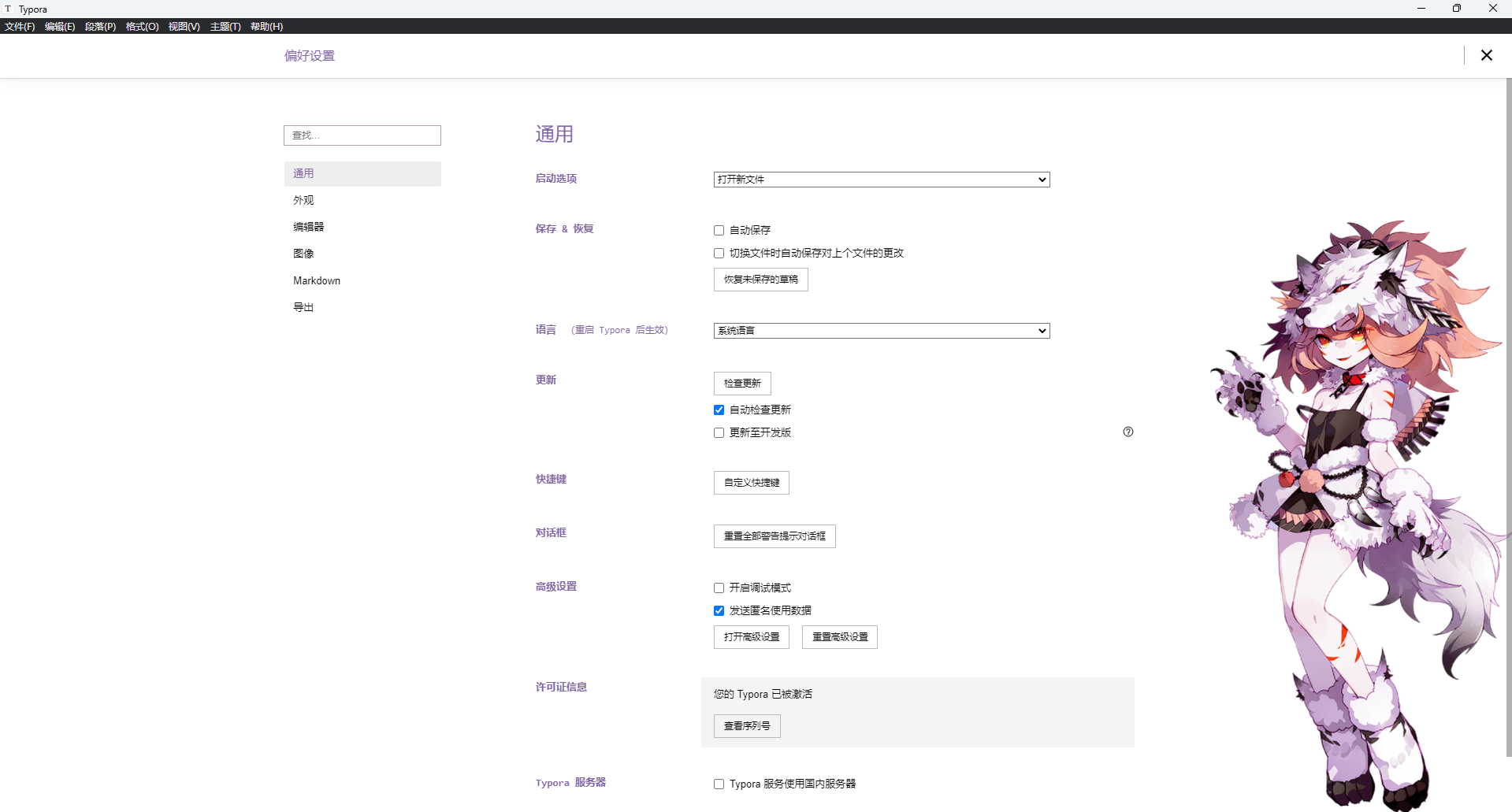
Typora自带的主题平淡无奇,致使我们在写md文档的时候毫无激情,恰又是高度依赖md的用户。就不妨来整点亮眼的新主题。
打开文件->偏好选项->外观->获取主题去官网下载一些新主题:Themes Gallery — Typora(https://theme.typoraio.cn/)
主题根据自己的喜好下载就好,以下以Purple主题为例:【Purple】https://theme.typoraio.cn/theme/Purple/
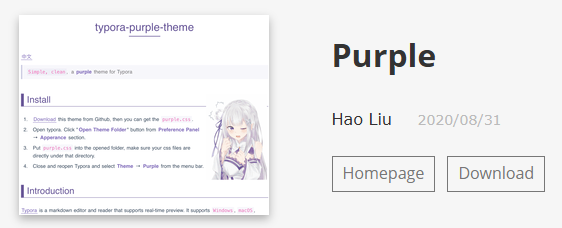
打开文件->偏好选项->外观->打开主题文件夹,将下载的压缩文件中的css文件解压缩至此,再把所需要的图片放在同路径,最好新建image文件夹,在打开主题名对应的css文件编辑:
/* 给body标签添加背景(大部分主题适用) */
body {
    /* 背景图片路径:对应你新建的image文件夹中的图片名 */
    background-image: url('./image/fw1200.png');
    background-position: right bottom; /* 背景位置:右下角 */
    background-repeat: no-repeat; /* 不重复平铺 */
    background-attachment: fixed; /* 滚动时背景固定 */
    background-size: 20% auto; /* 宽度缩放为20%,高度自动适配,避免变形 */
    isolation: isolate; /* 防止背景溢出影响文字和其他元素 */
}

/* 若主题有.write类标签,同步添加(部分主题需额外配置) */
.write {
    background-image: url('./image/fw1200.png');
    background-position: right bottom;
    background-repeat: no-repeat;
    background-attachment: fixed;
    background-size: 20% auto;
    position: relative;
    isolation: isolate;
}
当然!具体还得看所选主题文件的css样式写法,每个主题作者的写法都不一样,有的主题得把背景图片设置放在html标签里才生效!为不影响原主题,可将原主题的css复制一份重命名才做更改,只要名字不同,这是允许存在的。
重启 Typora才会主题生效!
如果不生效可打开视图->开发者工具查看控制台具体问题!
